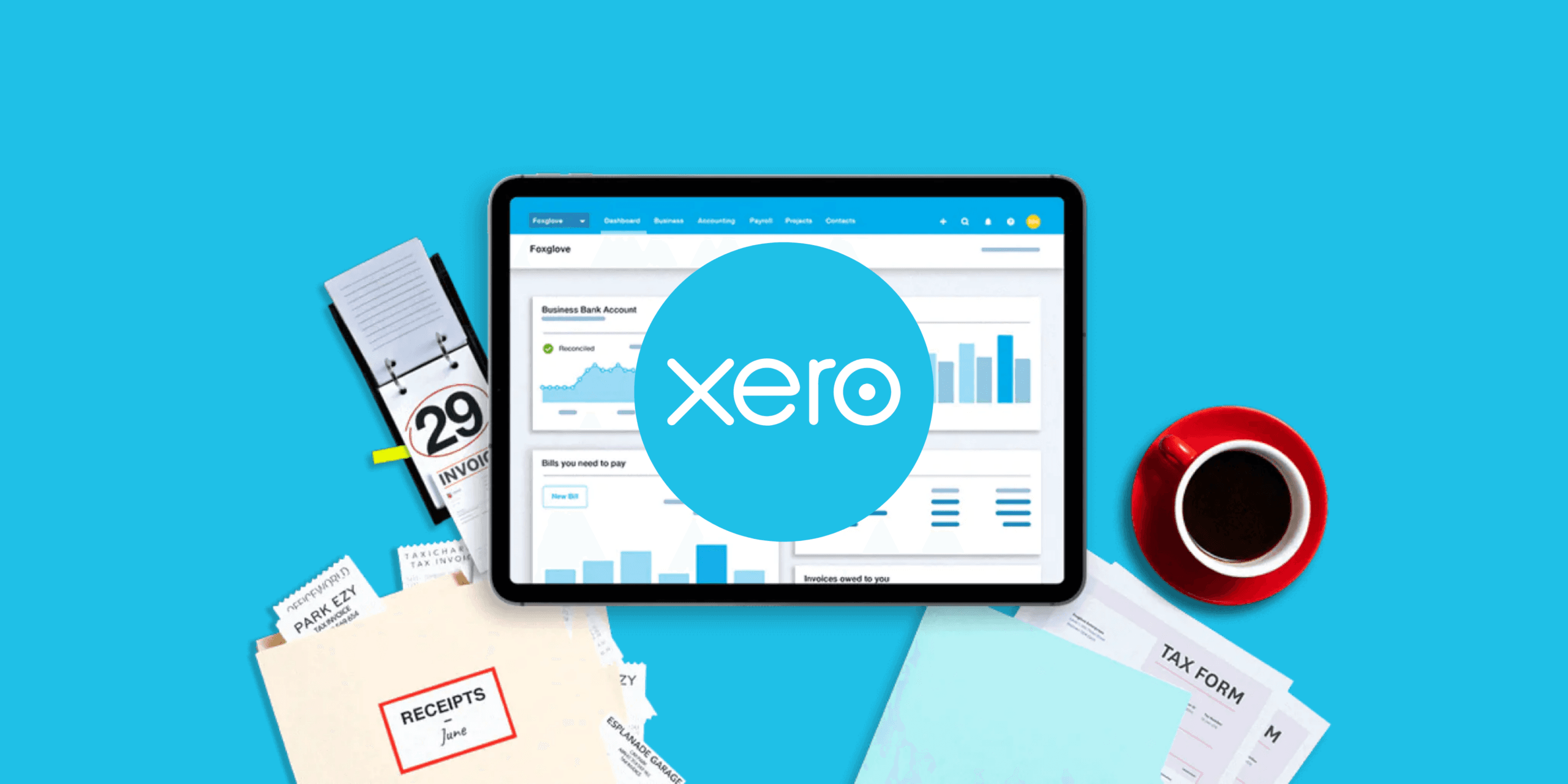
Introduction to Xero
In brief
•Business owners operating in Hong Kong must thoroughly understand and follow corporate tax filing procedures. Corporate tax filing is a crucial part of business operations, and failure to do so can lead to legal issues. Below, we provide a comprehensive explanation of the corporate tax filing process, including filing documents, filing deadlines, filing fees, filing requirements, filing preparation, and post-filing procedures.
Xero Introduction: Efficient Accounting Management Solution

Xero's Key Features
Xero offers an efficient accounting management solution tailored for Korean business owners operating in Hong Kong. With its user-friendly interface and powerful capabilities, Xero simplifies accounting tasks effectively. The following provides detailed explanations of Xero's key features, functions, usage, pricing, customer support, training, and updates.
Xero's Key Features
1. Cloud-Based:
•Xero is cloud-based accounting software accessible from anywhere with an internet connection, providing flexible work environments. Data is securely stored, allowing real-time access to essential information at any time.
2. Real-Time Data:
•Automatically synchronizes with bank transactions to deliver real-time financial data. This enables immediate visibility into business cash flow and swift decision-making.
3. User-Friendly Interface:
•Features an intuitive, easy-to-use interface that anyone can navigate without complex accounting knowledge.
4. Multi-User Support:
•Supports simultaneous access and collaboration by multiple users. Team members can work together while permission settings enhance security.
5. Continuous Updates:
•Xero regularly updates its software to add new features and improve performance. Continuous enhancements are driven by real-user feedback.
Xero's Functions
Xero streamlines accounting tasks and boosts business efficiency through diverse features:
1. Bank Integration
•Links with bank accounts to automatically import transaction details. All transactions are recorded and categorized without manual entry.
2. Invoicing and Accounts Receivable Management:
•Issues invoices to customers and manages outstanding receivables. Professional invoices can be easily created using customizable templates.
3. Expense Management:
•Simplifies expense report creation and approval processes. Employees can submit expenses effortlessly, while managers review and approve them.
4. Financial Reporting:
•Generates various financial reports to analyze business performance. Essential reports like profit and loss statements, balance sheets, and revenue reports are created with ease.
5. Multi-Currency Support:
•Supports multiple currencies, making it ideal for international business. Transactions can be recorded in various currencies with automatic handling of exchange rate gains and losses.
Xero Pricing Plans
Xero streamlines accounting tasks and boosts business efficiency through diverse pricing tiers:
1. Starter:
•Basic plan designed for small businesses, offering limited features at an affordable price.
2. Standard:
•Suitable for small to medium enterprises, this plan includes most features and provides all essential tools for business operations.
3. Premium:
•Tailored for large businesses or those with complex accounting needs, featuring advanced capabilities like multi-currency support.
Xero Customer Support
Xero provides comprehensive customer support services:
1. Training Support:
•The Xero website offers extensive help resources and frequently asked questions (FAQs). Users can access various guides and documents for troubleshooting.
2. Online Support:
•Submit inquiries to the customer support team for prompt and courteous responses. Issues can be resolved through online screen sharing or phone calls when needed.
3. Community Forum:
•Xero maintains an active community forum where numerous users share tips, tricks, and answers to common questions.
Xero Training Programs
Xero offers diverse training programs to help users effectively leverage the software:
1. Online Courses:
•Free online courses are available on the Xero website, covering topics from basic to advanced functionalities.
2. Webinars:
•Participate in regularly scheduled webinars to ask real-time questions and receive answers. Learn about the latest features and best practices.
3. Certification Program:
•The Xero certification program provides professional accounting knowledge. Obtaining certification enhances credibility as an expert.
Xero's Limitations
Xero is primarily designed for small and medium enterprises, offering minimal separation of duties functionality. Features such as amount-based approver settings, dual approval requirements, and supplier list registration are not supported. While strong in efficient recording and storage, it may lack robust controls and preventive measures.
Frequently Asked Questions (Q&A)
Xero provides new users with a 30-day free trial, allowing unrestricted access to all features during this time.
Xero integrates with major financial institutions worldwide, including Hong Kong’s primary banks, enabling automatic transaction imports.
Yes, Xero offers VAT reporting functionality, facilitating easy compliance in regions outside Hong Kong where VAT applies.
Xero adheres to top-tier security standards, with all data encrypted and securely stored. Regular backups and security updates ensure ongoing data protection.
Contact Information
Xero offers powerful features and a user-friendly interface that streamline accounting tasks and enhance business efficiency. Korean business owners operating in Hong Kong are strongly recommended to adopt Xero. Detailed information is available on the Xero website, with customer support ready to assist as needed. Experience more efficient accounting management and business growth with Xero.
